
The web app: attendance in any browser
Everything the native app does for taking and managing attendance is also available at web.mynfcattendanceapp.com — same account, same backend, nothing to install. It’s the fastest way to get a Chromebook, a staff desktop, or any borrowed device scanning attendance.
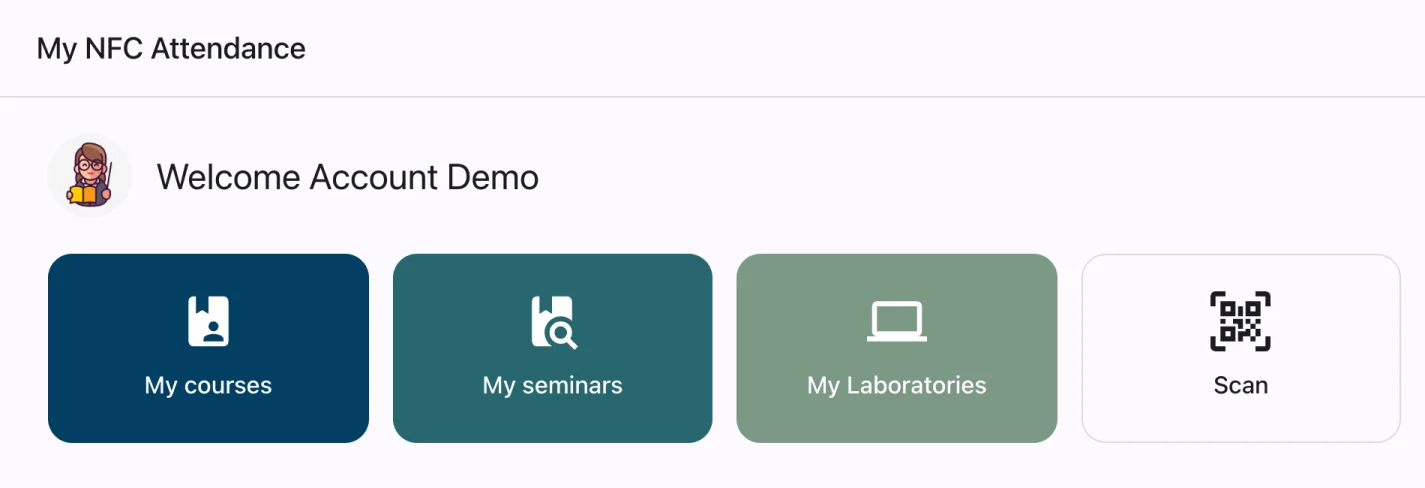
Open a URL, you’re in
No app store, no download, no waiting on an install to finish before class starts. Log in with the same account you’d use on mobile.
Installable as a Progressive Web App
Add it to the home screen on Android or the Dock/Applications on desktop for an app-like icon and window, without going through an app store.
Built for desktop and Chromebooks too
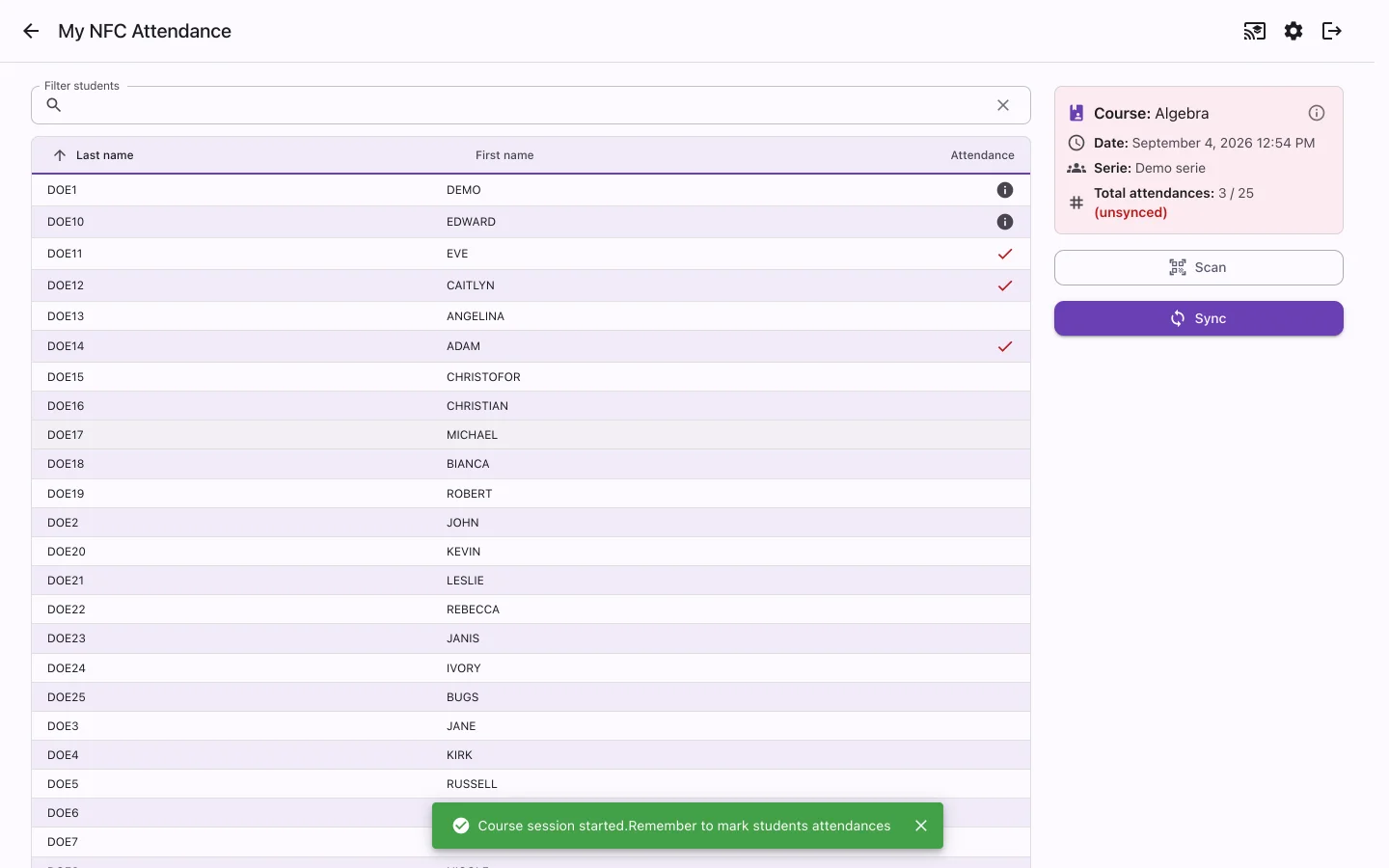
The layout adapts to a full screen — a side panel for Scan and Sync, a searchable roster, and room to work through a class without squinting at a phone.
Same account, same records
Courses, rosters, and attendance history are shared with the native app in real time — start a session on your phone, finish reviewing it on a laptop.
The web app includes the calendar and recurring schedules, and can show desktop notifications for session reminders and announcements while it’s open in your browser.
One real difference from the native app: NFC tap-in on the web only works in Chrome or Edge on Android, since that’s currently the only combination that exposes NFC to a website. QR scanning and manual marking work everywhere. See the full breakdown below.
What works on which platform
My NFC Attendance ships as a native mobile app and as a browser-based web app on the same account and the same backend. Most capabilities match — a few depend on what the device and browser actually support, so here it is plainly rather than glossed over.
| Capability | Mobile app (iOS & Android) | Web app (browser) |
|---|---|---|
| NFC tap to mark attendance | Yes — iOS and Android | Android only, in Chrome or Edge — no browser exposes NFC to a website on iOS, Safari, Firefox, or desktop |
| QR code scanning | Yes | Yes, in any modern browser |
| Manual attendance marking | Yes | Yes |
| Bulk NFC tag writing for a class | Yes | Android only, in Chrome or Edge |
| Passwordless NFC tag login | Yes | Android only, in Chrome or Edge |
| Add pass to Apple Wallet | Yes — one tap, on iOS | Best-effort on iPhone Safari — opens a share sheet rather than a guaranteed one-tap install |
| Add pass to Google Wallet | Yes, on Android | Yes |
| Biometric app lock | Yes | Not applicable — browsers have no equivalent |
| Course, series & roster management | Yes | Yes |
| Excel import & catalog exports | Yes | Yes |
| Nothing to install | No — requires an app store install | Yes — open the URL in a browser; can also be installed as a Progressive Web App |