
Built for students too, with nothing to install
A teacher issues you a QR code or an NFC tag once, and that’s it — no account setup ceremony, no app you’re required to download to be checked in.
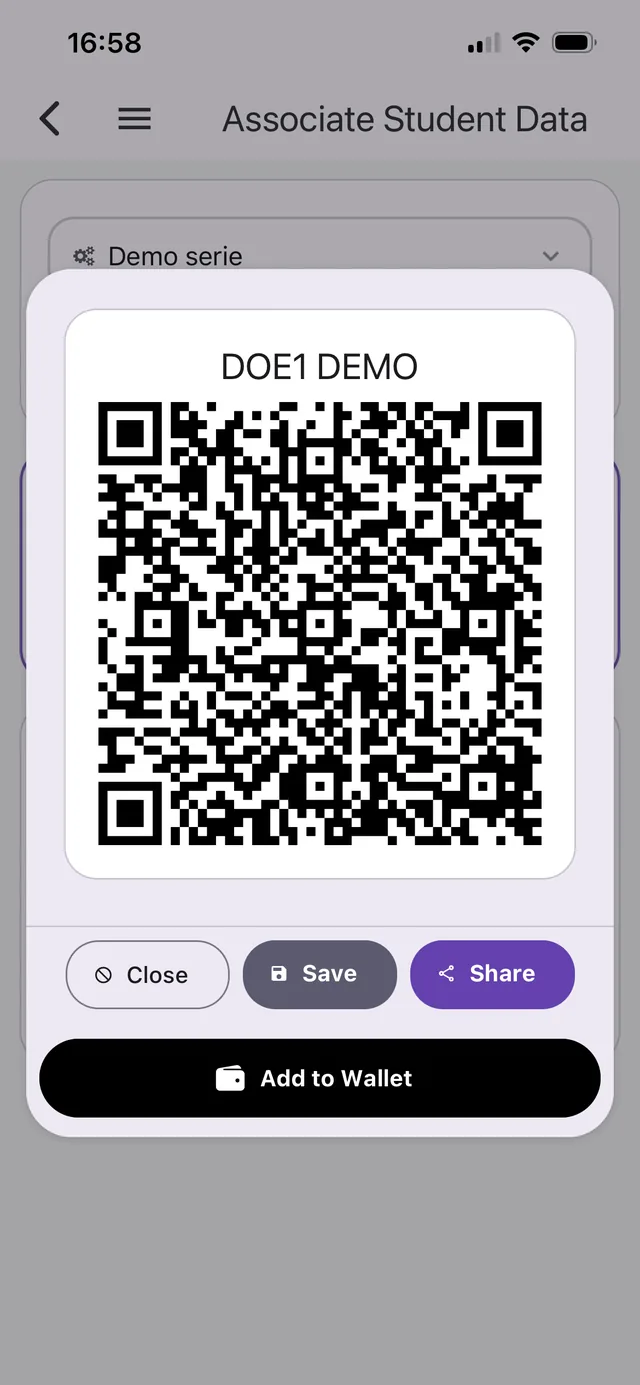
Your own QR code
A personal QR code tied to your profile — show it to be scanned in, no matter which course, seminar, or lab you’re walking into.
Save it to your phone’s Wallet
Add your pass to Apple Wallet or Google Wallet so it’s one tap from the lock screen — no app to open, no hunting for a screenshot.
Tap in without a password
If your institution issues NFC tags, you can log in to the app itself with a tap instead of typing a password.
See your own attendance history
Log in (on the app or in a browser) to see your attendance record for each course, seminar, and lab you’re enrolled in.
None of this requires installing anything: a printed or Wallet-saved QR code, or a physical NFC card, is enough to be checked in. Logging in to see your own history is the only part that needs the app or a browser.